

Before you start
- Install OBS on the broadcast PC.
- Open the Spotify app, the Discord app and the game on the broadcast PC, so you can select their windows in OBS.
- You need access to download the scene collection. Without it, the button on OBS Setup reads Download unavailable. See How access works.
Import the scene collection
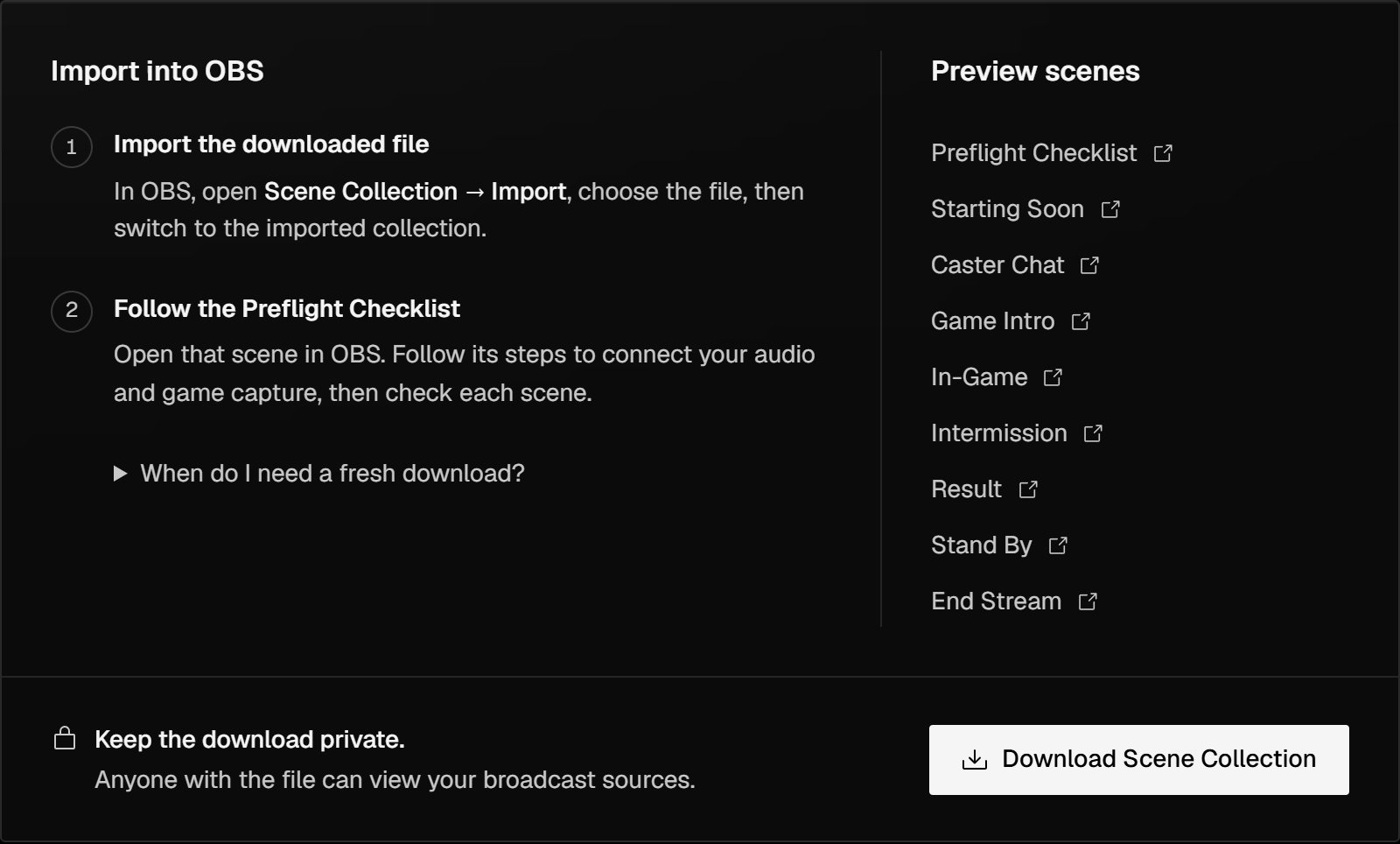
OBS Setup in the staff console.
1
Download the scene collection
In the staff console sidebar, select Broadcast → OBS Setup, then Download Scene Collection. Save the file on the broadcast PC.
2
Import it into OBS
In OBS, select Scene Collection → Import, choose the file, then switch to the imported collection.OBS now lists the Preflight Checklist scene and the eight broadcast scenes.
3
Open the Preflight Checklist
Select the Preflight Checklist scene. It greets you by name and lists four steps. For each source it names, double-click the source in OBS to open its Properties.
4
Connect Spotify Audio
Open the Spotify Audio source and select the Spotify window. It plays on Starting Soon, Intermission and End Stream.
5
Connect Discord Audio
Open the Discord Audio source and select the Discord window. It plays on Caster Chat, Game Intro, In-Game, Result and Stand By.
6
Connect the game capture
Open the DBD Game Capture source and select the game’s window. It shows on In-Game.
7
Check every scene
Switch through each scene and check the picture and audio levels.
8
Delete the Preflight Checklist
When everything works, delete the Preflight Checklist scene. The broadcast scenes don’t need it.
Preview the scenes in a browser
Preview scenes on OBS Setup opens each scene in a new browser tab, without OBS. Without access to download the scene collection, only the Preflight Checklist opens.When to download again
Scenes update on their own when staff change a scene’s details or score a match in Live. Download and import again only when new scenes are added, or when your organisers ask you to.A scene already open in OBS keeps the version it loaded. If a scene looks out of date after a Tournament System update, refresh that browser source in OBS or restart OBS.
Next steps
Score a match in Live
Score each match on the night; the scenes follow the score.
Plan the schedule
Add the stream and its matches before the night.